
Frat Shirts Made Easy: A Step-by-Step Design Guide
TL;DR
- Frat shirt design is way easier when you start with the right product and have the best design templates to choose from.
- The Fresh Prints Design Tool helps chapters customize frat shirts without needing any design experience.
- You can edit products, colors, letters, fonts, artwork, and print details all in one place.
- The Fresh Prints art team can also clean up your design or help you create a new one for free with unlimited revisions.
- Start early so your chapter has more shipping options and less last-minute stress.
Frat shirts don't design themselves. The event gets locked in, the exec board has opinions, and somehow you're the one staring at a blank screen two weeks out trying to figure out where to start. And if you're a merch chair who has to design something that 50+ guys are supposed to like, that also makes a good impression on everyone else who sees it…it can get overwhelming.
The Fresh Prints Design Tool was built specifically for this. Over the past year and a half, our team has been adding features that take the guesswork out of the whole process. That way, you can get the coolest frat designs without needing design experience or a graphic designer on call.
Here's how to use it, what makes it different, and how to get great frat shirts done fast.
How can you design frat shirts easily?
The Design Tool has tons of features that help you design frat shirts faster than ever:
Product Gallery Access
Most merch chairs jump straight to the art. That's backwards. The shirt you print on determines fit, weight, print quality, and the overall feel of the finished product. And you can find and lock in your blank directly inside the Design Tool before you touch a single design element.
Filter products by brand, fit, price point, and minimum order quantity. The gallery automatically sorts by what's trending based on live click data, so you're always seeing what other chapters are actually interested in right now. You can check out our other guide for more frat shirt product recommendations.
And if you change your mind and want to swap the tee for a hoodie or crewneck, you can do that without starting over. Switch the product directly in the tool and your design transfers automatically. You'll also get live updates on color availability, minimums, and compatible print types for the new product so there are no surprises later.
Design Gallery Access
The tool has 10,000+ ready-to-customize design templates, and a significant portion are created specifically for frat shirts. Filter by org type, event (Recruitment, Gameday, Date Party, Philanthropy), style, or print type, and the library gets relevant fast.
Plus, you'll also see trending designs from other frat guys part of our Student Creator Program. Hundreds of new designs get added every week, which means you're always pulling from a pool of the best and most creative designs right now.
P.S. If you're designing frat shirts for recruitment, we have a collection of the top 60 designs that guys are customizing. You're welcome.
Image AI
The Design Tool has a built-in AI image generator. Describe the graphic you want, upload a reference image or aesthetic, and the tool generates custom artwork you can then edit directly on the canvas. Useful when you have a concept in mind but no designer to bring it to life.
Upload Your Own Reference Photo
If you've seen a shirt on someone else or spotted something on social media, upload a screenshot. The tool vectorizes it and makes it editable, so you can use it as a direct starting point instead of trying to recreate it from memory. Clean file formats work best, but the tool handles most common image types up to 10 MB.
Full Customization
Once you have a design open, everything is editable. Swap in your chapter name and Greek letters, adjust the color palette to your org's colors, change fonts, update placement, or mix in elements from multiple designs. Greek marks and school logos are already built into the tool — licensed and ready to drop in without hunting for files.
Real-Time Updates
This is something that trips up most merch chairs with other companies. With Fresh Prints, everything updates live as you make changes to your design. The tool shows you:
- the minimum order quantity for your chosen product
- which decoration methods and print types are compatible with what you've selected
- your estimated delivery dates for standard and expedited shipping
- current stock levels so you know immediately if something is running low (or completely sold out) before you commit.
If a product has limited stock or is completely sold out, you can choose to customize the product in a different color (that's still in stock) or you can switch to the next best similar product. Our Design Tool automatically pulls all these options for you as well!
When you make any change (swapping a color, changing a design template, switching the print type) a chat notification pops up automatically to update you on how that change affects pricing, color matching, or compatibility. You don't have to reach out to a rep to find out if your merch order is possible, since the Design Tool gives you everything you need to know right away.
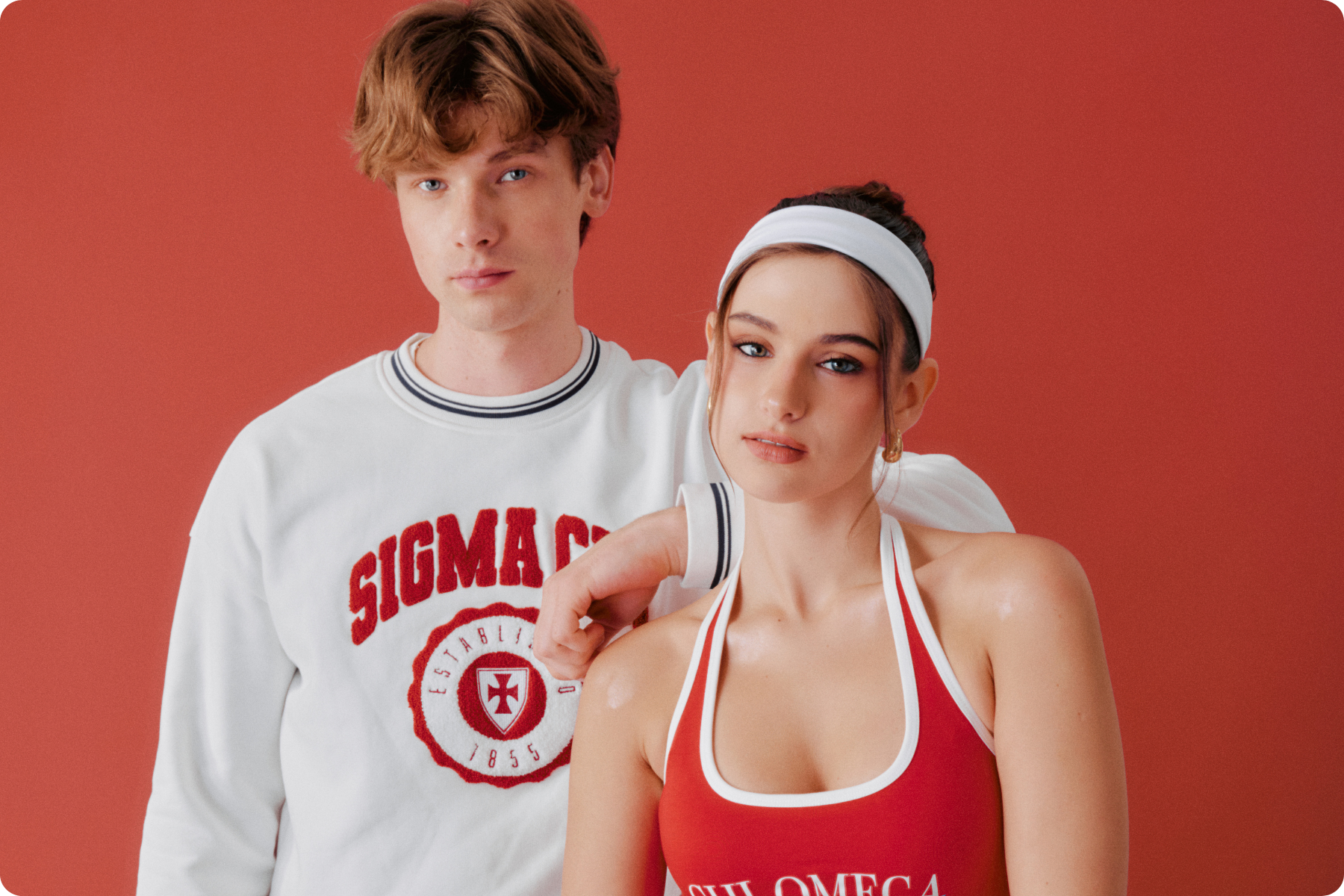
How do you actually use the Design Tool to create frat shirts?
Once you know your shirt, here's how to go from zero to a clean mockup without wasting time.
Step 1: Open the Fresh Prints Design Tool and select your product. Filter by category so you're not scrolling through everything. If you already know you want a heavyweight tee or a frocket, narrow it down before you do anything else.
Step 2: Search with intention, not a scroll. The tool has thousands of options. Type in a keyword tied to your chapter's vibe, a recruitment theme, or an aesthetic — "vintage," "bold," "minimal," "athletic," "retro." Any of these will pull up relevant designs fast. If your chapter has a specific recruitment theme locked in, search that directly.
Step 3: Pick a direction and make it yours. Once you find something that fits, open it and start editing. Swap in your chapter name and Greek letters, adjust the color palette to your org's colors, and update any text that needs to be chapter-specific. The structure of the design stays intact while you make it yours.
Step 4: Check the live preview. The tool updates the on-screen mockup in real time as you edit. Look at the full shirt, not just the graphic. Check that placement reads well, text is legible, and nothing feels crowded or off-center.
Step 5: Share one strong mockup with your exec team. Screenshot or save the mockup and send it for a fast round of feedback before anything goes to print. One strong version to react to is more useful than five options to debate.
Step 6: Make final edits and place the order. Once the design is locked, check out. If you want a second set of eyes before production, the Fresh Prints art team can review and refine your mockup at no extra cost.
Need more help designing your frat shirts?
If you upload a design that needs cleaning up, or you want a designer to take your concept further, the Fresh Prints art team can step in at any point. Click the “Need help?” button in the lower left corner of the Design Tool and submit your concept. They'll refine the design and send back a proof fast, at no extra cost, and with unlimited revisions until it's 100% exactly what you want. Art proofs come back in as fast as 6-12 hours, and urgent requests can be expedited same-day.

Minimums, Turnaround, and Shipping
Another thing that stresses people out are logistics: minimum order quantities (MOQs), timelines, shipping. Like I said earlier, all these details show up on the Design Tool for you. But here's a more in depth breakdown of how things work.
On minimum order quantities: A lot of products have a minimum of 12 units, and the tool shows you the exact MOQ for your chosen product right at the top of the canvas before you commit. If you're ordering for exec only or only need a few orders, some products don't have any minimums at all! You can filter specifically for those in the “No Minimum” Product Gallery to find what works for your order size.
On turnaround, there are four shipping options to choose from.
- Economy shipping is the newest addition. It's the most affordable option and a good call when you're not on a tight deadline and want to keep costs down.
- Standard shipping is free and arrives in 11-14 days when shipped to one location, or up to 21 days with individual member shipping.
- Expedited gets it there in 9-11 days if you're working with a tighter window.
- And Fresh Prints Flash (available on select products) ships in as little as 2-6 days for the tightest timelines.
You can see all estimated delivery options and what they'll cost directly in the Design Tool by clicking “Est. Delivery” at the top of the canvas once your design is saved. The earlier you lock in the design, the more flexibility you have on shipping.
Need Something More Custom?
If your chapter has something specific in mind that goes beyond the standard product catalog, Fresh Prints has two additional paths. The Made-to-Order Program lets you customize any Fresh Prints Exclusive garment in hundreds of colors (body, cuffs, hood, inlay) with a minimum of 50 units.
And if you're ordering 200 or more, the Collab Program lets you work directly with the product development team to design a garment from the ground up. Both are worth knowing about if your chapter wants something that no other chapter on campus is wearing.
Frequently Asked Questions
Do I need design experience to use the Fresh Prints Design Tool?
Nope! We built the Design Tool so that anyone can create premium merch easily with design templates you can customize. You don't need to create anything from scratch. Pick a design, edit the details, and preview the result before placing the order.
Can I customize any design even if it's for a different frat?
Absolutely! You can customize literally any design on our gallery so it has your frat name, event details, and follows your branding and vibe. You can customize the text, colors, and even add completely new design elements/clip art.
Is there a minimum order quantity?
It depends on the product and print type. The Design Tool shows the minimum order quantity for your selected product right at the top of the canvas. Fresh Prints’ 100 most popular products have no minimum when ordered with digital printing or embroidery, making them a solid option for small orders.
How far in advance should I place a recruitment shirt order?
Six weeks out is the safest window for recruitment merch. That gives you room for design revisions, production, and shipping without any pressure. Place the order at least 3-4 weeks before your event to stay on standard shipping. If you're closer to the deadline, expedited and flash options are available. But locking in the design early keeps costs down and removes the stress.
What if I want help with the design?
The Fresh Prints art team can step in at any point. Hit the “Need Help?” button in the lower left corner of the Design Tool and submit your concept. They'll refine the design and send back a proof at no extra cost, and with unlimited revisions.
Can I see what other frat chapters are designing for recruitment?
Yes. The frat recruitment shirt designs collection shows what's trending right now and what other chapters are customizing for the season. It's a fast way to calibrate before you start designing your own.
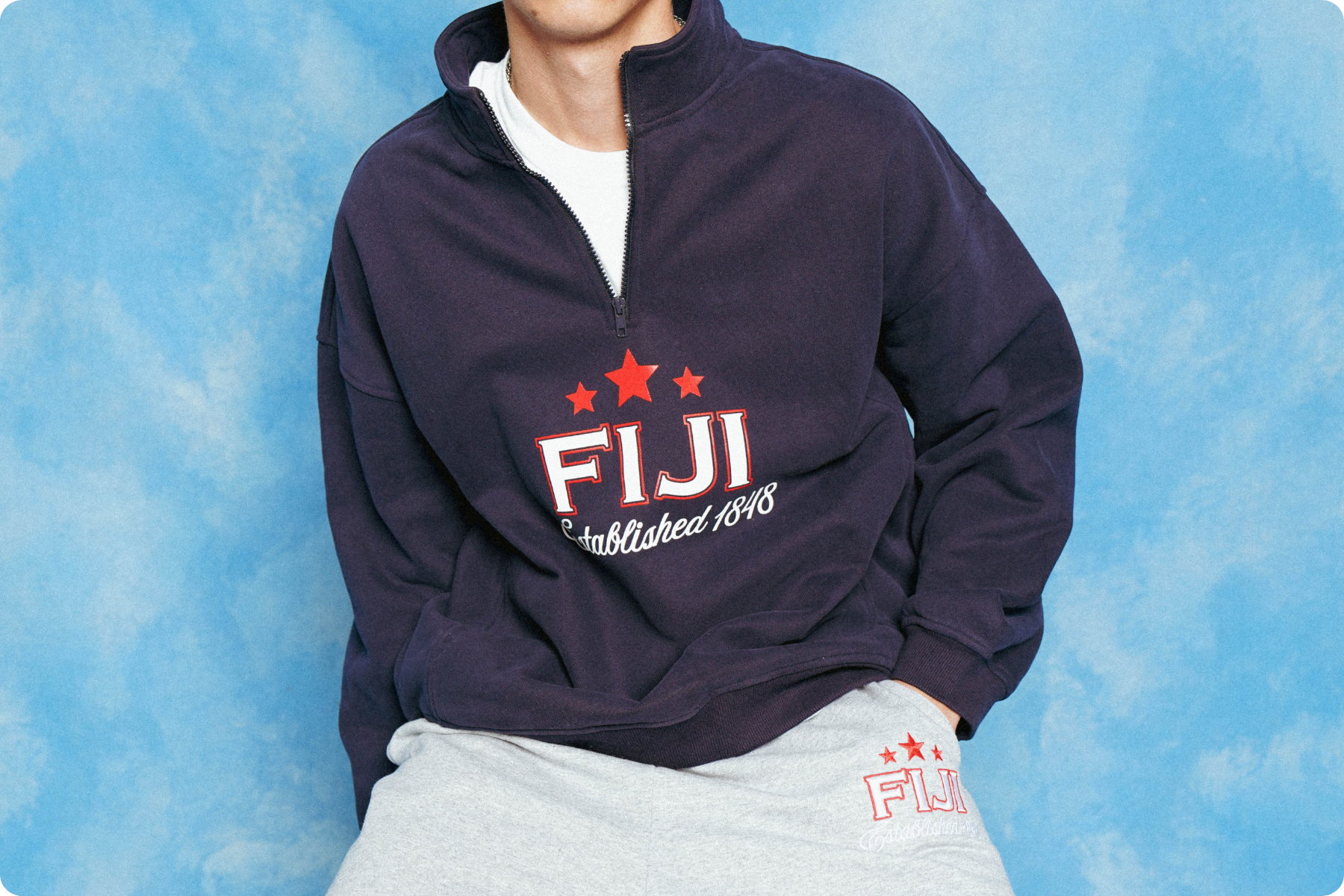
Get Your Frat Shirts Done Right
The chapters with the sharpest merch aren't the ones who spent the most time on it. They're the ones who had a clean process, started early enough to have options, and used a tool that did the heavy lifting. That's true whether it's Recruitment, a formal, gameday, or a chapter drop nobody saw coming.
You don't need to be a designer to make something your chapter is proud to wear. You just need a solid starting point, a tool that actually makes it easy, and enough lead time to not be scrambling. That's what the Design Tool is there for. And now you know exactly how to use it. Happy customizing!